AI photo editing for property listings
Furnish the room.
Keep the room.
Add furniture to empty rooms or clear clutter from a photo. You pick the exact area that can change, and the rest of your photo comes back untouched.
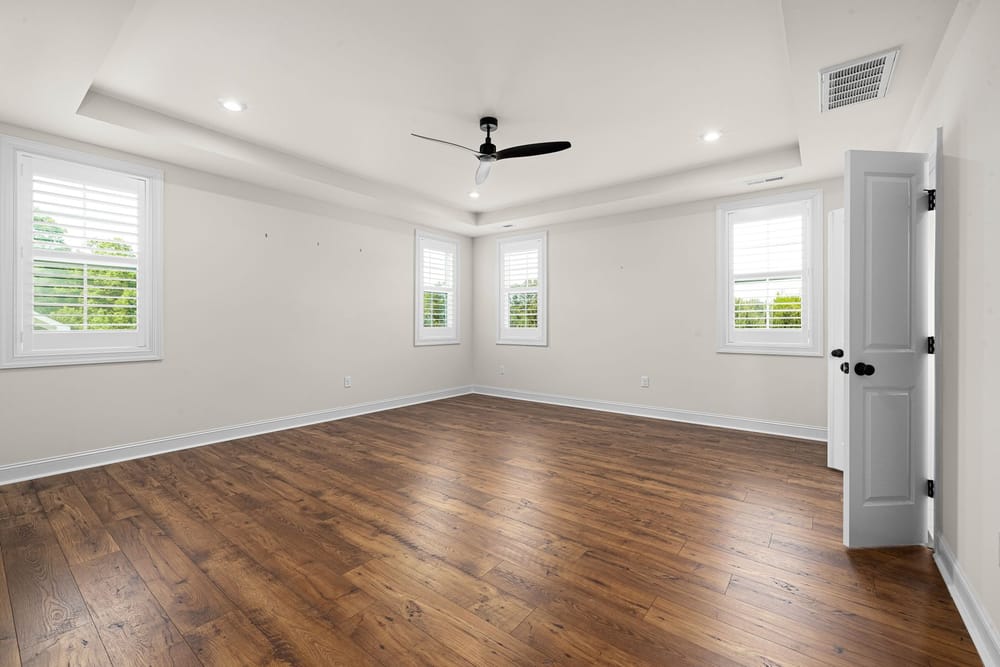 You choose this areaEverything else stays as it is
Photo of an empty room with the editable area outlined. Not an AI result.
How it works
1 · You paint the areaAn empty room with the editable area outlined. Not an AI result.
You paint the area
Mark the floor, or the object to remove. We pick the floor for you if you’d rather not.
The AI works only there
Only that area is sent to the AI for changes.
Your photo comes back
Everything outside the area is copied back from your original, pixel for pixel.
Two tools
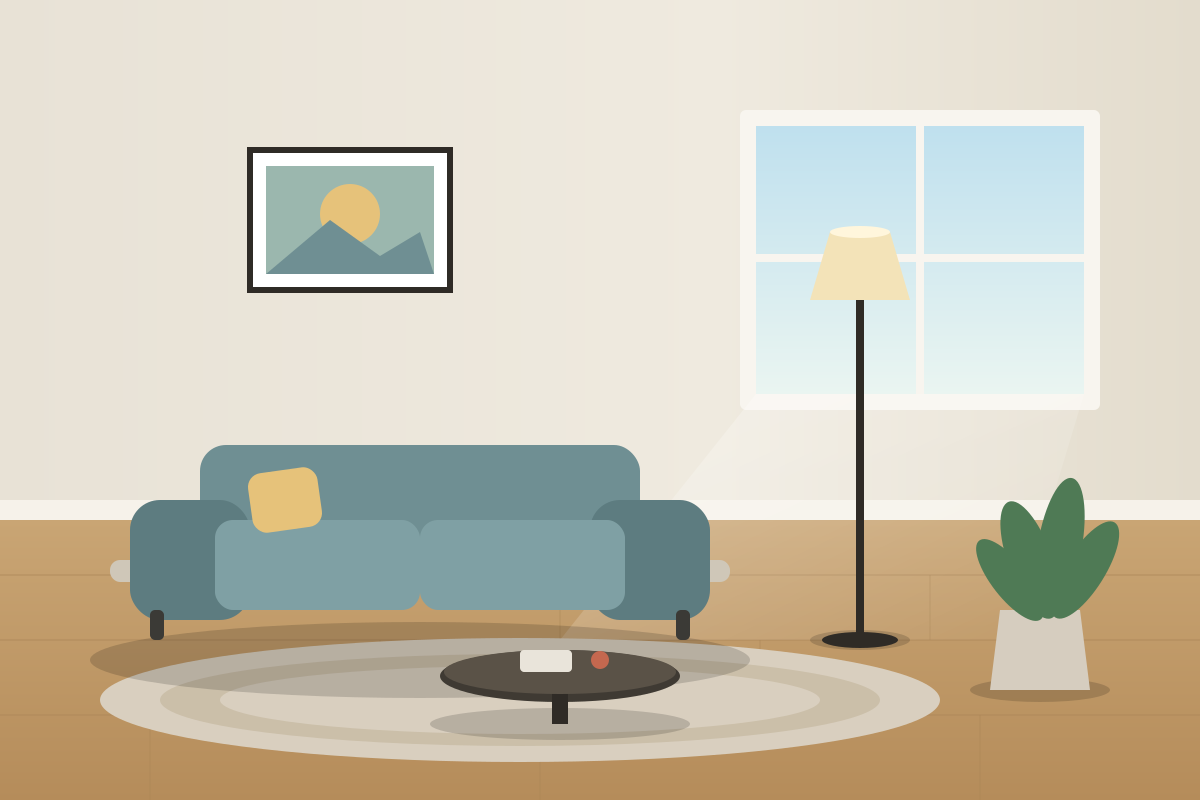
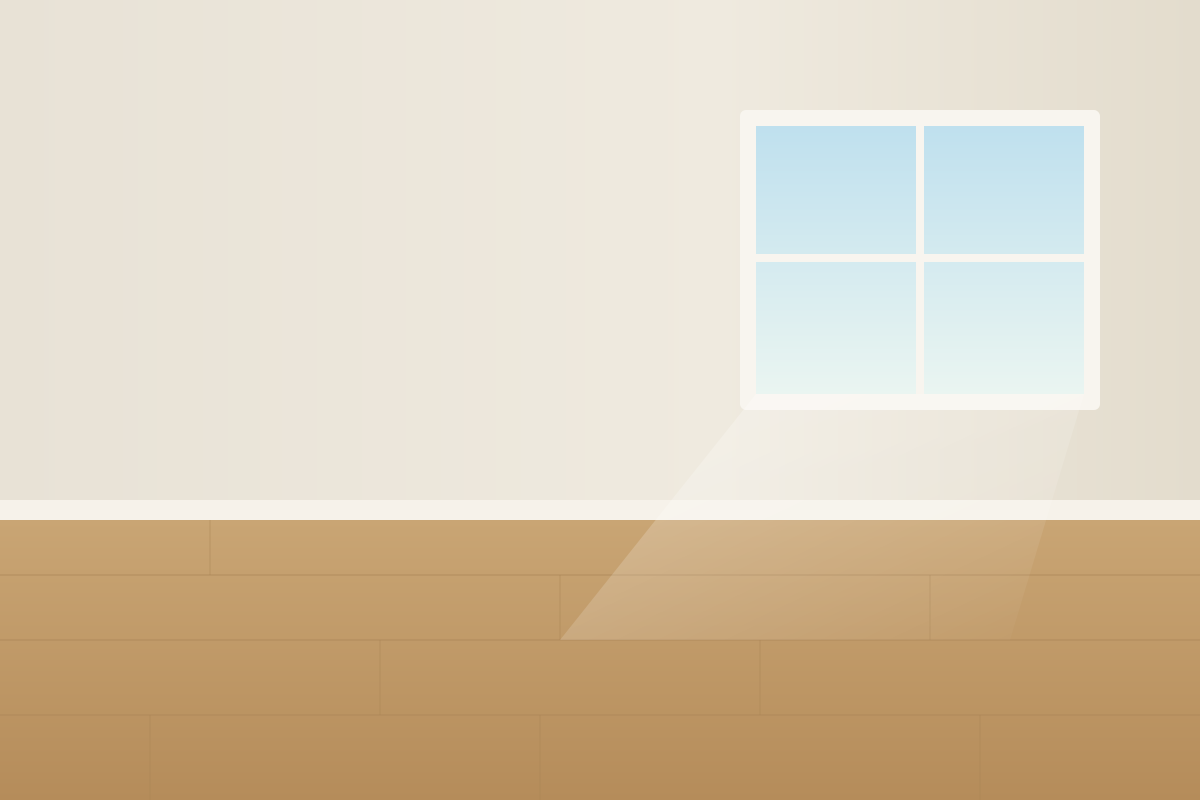 EmptyFurnished
Fill an empty room
Pick the room and a style: modern, Scandinavian, minimalist and more. Mark windows and doors as “don’t touch”.
Move your cursor across the picture. It’s a drawn illustration of the effect, not a real result.
Built for honest listings
Each photo gets an automatic safety check. Anything suspicious is flagged for you to review. We never call a result “verified”, because a computer check can’t prove that.
Example safety check
- OK
Pixels outside the area unchanged
Every pixel outside your area matches the original.
- OK
Model drift outside the area
The AI left the rest of the room alone.
- Note
Seam at the edge of the area
A faint edge is visible here. Look closely before you publish.
New accounts get free credits. After that it’s 1 credit per photo, and you get it back if a photo fails.
Honest limits: no AI tool is perfect, and rules about telling buyers differ by MLS and location. Ideexa helps you check and disclose; it does not give legal advice or guarantee compliance.